



SimpleSnip
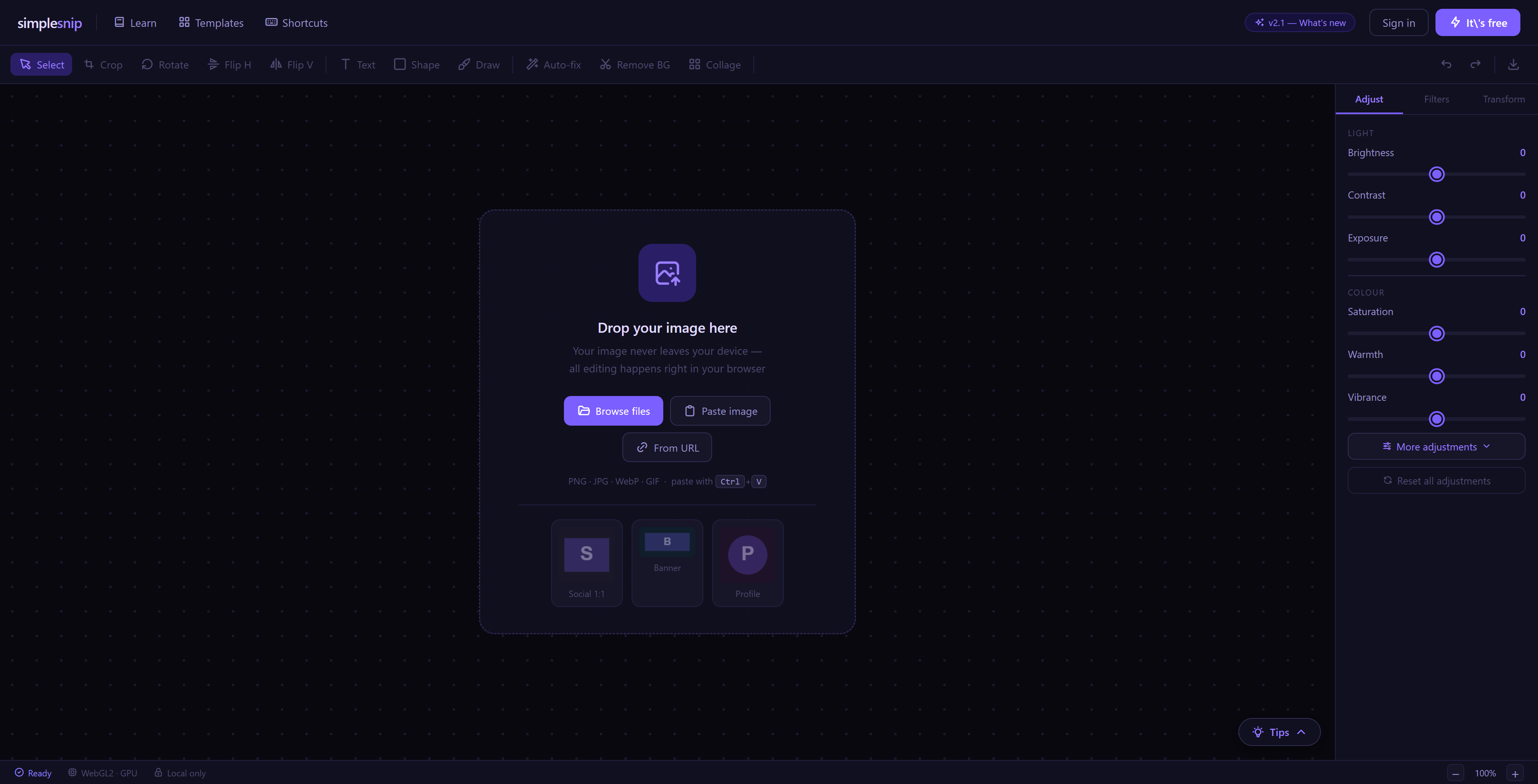
A layer-based image editor that runs entirely in the browser — brushes, smart selections, free transform, filters and text — with nothing ever uploaded. Built from scratch, no image-editing libraries.
I wanted a quick image editor that just opened and worked — no download, no account, no upload. But the real motivation was to learn what actually sits behind a tool like Photoshop: layer compositing, flood fill, perceptual colour matching, snapshot history. So I set the rule that I'd build every piece by hand, with no image-editing libraries.
State lives in two Zustand stores — one for the canvas (layers, selection model, transforms, 30-step snapshot history) and one for the workspace (active tool and settings). Each pixel layer is backed by its own off-DOM canvas in a small registry, and the visible canvas re-composites them every frame. Editing follows a buffer-and-composite pattern: a stroke is drawn into a scratch buffer, then composited over a base snapshot at the layer's opacity and clipped to the active selection mask. The magic wand and bucket fill share a flood-fill that compares colours with a perceptual 'redmean' distance for natural-looking edges. Everything is local — nothing leaves the device.


// Perceptual "redmean" colour distance (squared) — powers the magic wand and
// bucket fill. Far closer to human vision than raw RGB, and skips the sqrt.
function redmeanDistanceSq(
  r1: number, g1: number, b1: number, a1: number,
  r2: number, g2: number, b2: number, a2: number,
): number {
  const rm = (r1 + r2) >> 1
  const dr = r1 - r2, dg = g1 - g2, db = b1 - b2, da = a1 - a2
  return (((512 + rm) * dr * dr) >> 8) + 4 * dg * dg
       + (((767 - rm) * db * db) >> 8) + 8 * da * da
}